AdeptWiz PDF
Here’s a polished, homepage‑ready version of your content – structured like a modern product landing page, clean, scannable, and conversion‑focused.
AdeptWizPDF – Documentation & Feature Hub
Your complete guide to everything inside AdeptWizPDF– from powerful PDF tools to visual previews, workflows, and technical architecture. Explore features, learn how to use each tool, and preview the interface that powers your productivity.
Documentation
FEATURES A deep technical overview of all 21 PDF tools, grouped into 6 functional categories. Includes client‑side privacy architecture and full technology stack details.
HOW_TO_USE A step‑by‑step user guide covering dashboard navigation, search, tool workflows, signature creation, OCR usage, security controls, modal previews, and FAQs.
Visual Interface Showcase
| Screenshot | Description |
|---|---|
Hero Dashboard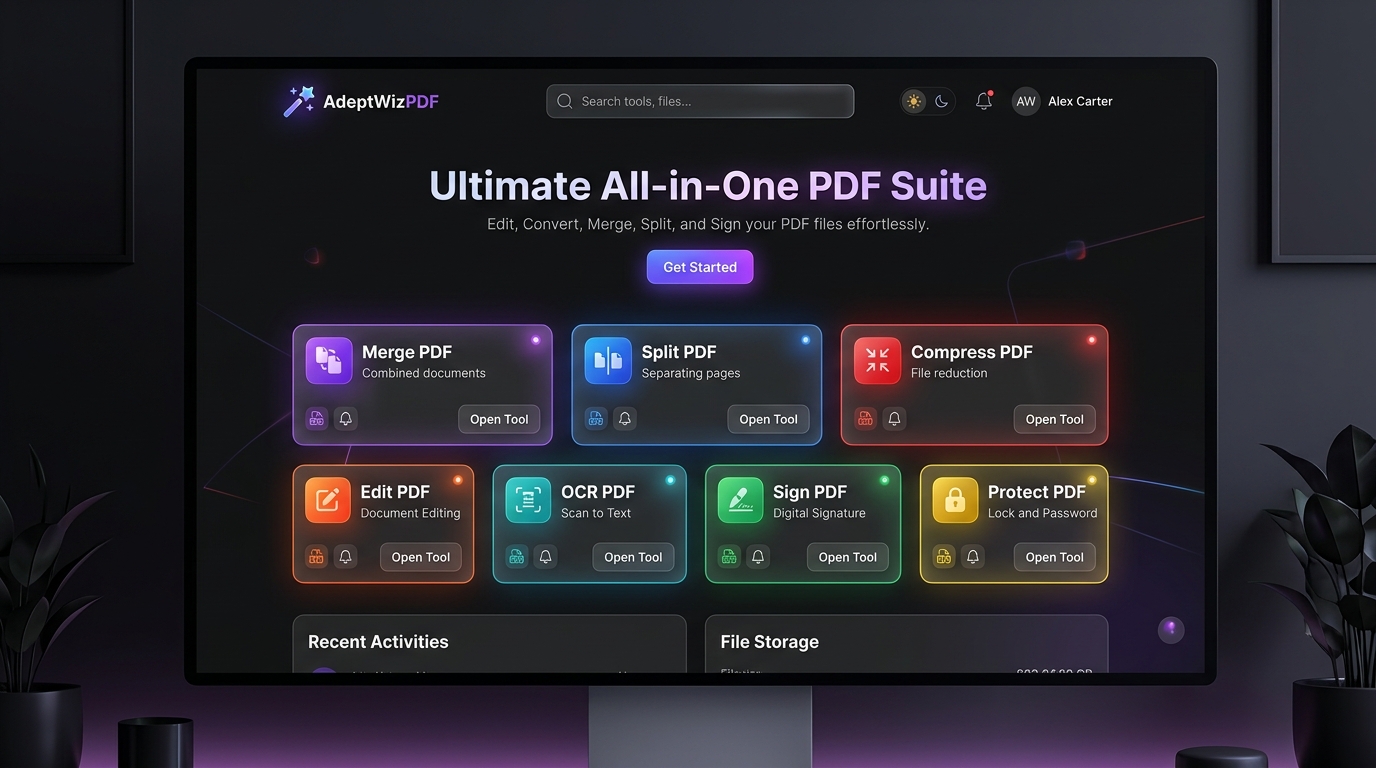 | Main interface with category filters, search bar, and modern dark‑glass UI |
Organize & Pages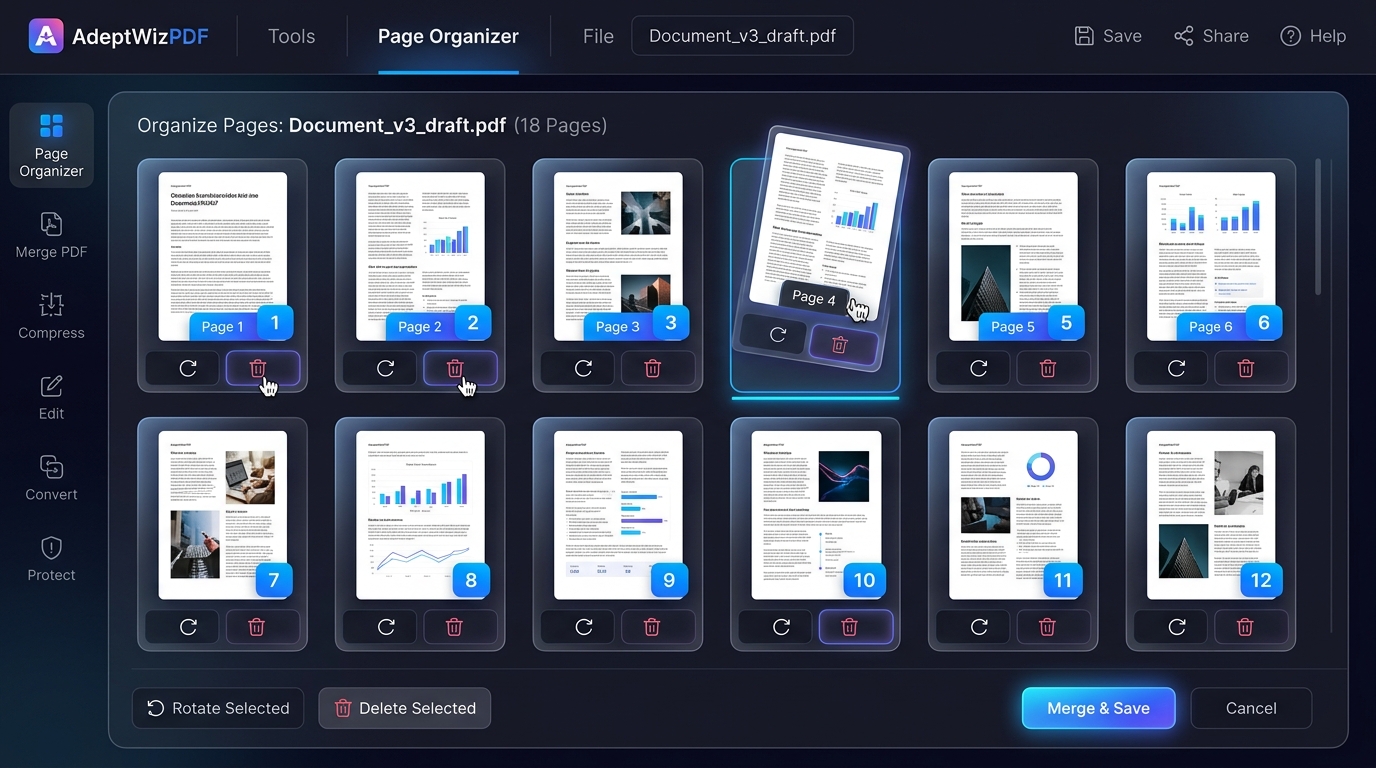 | Drag‑and‑drop thumbnails, page rotation, splitting, and reordering |
Edit & e‑Signature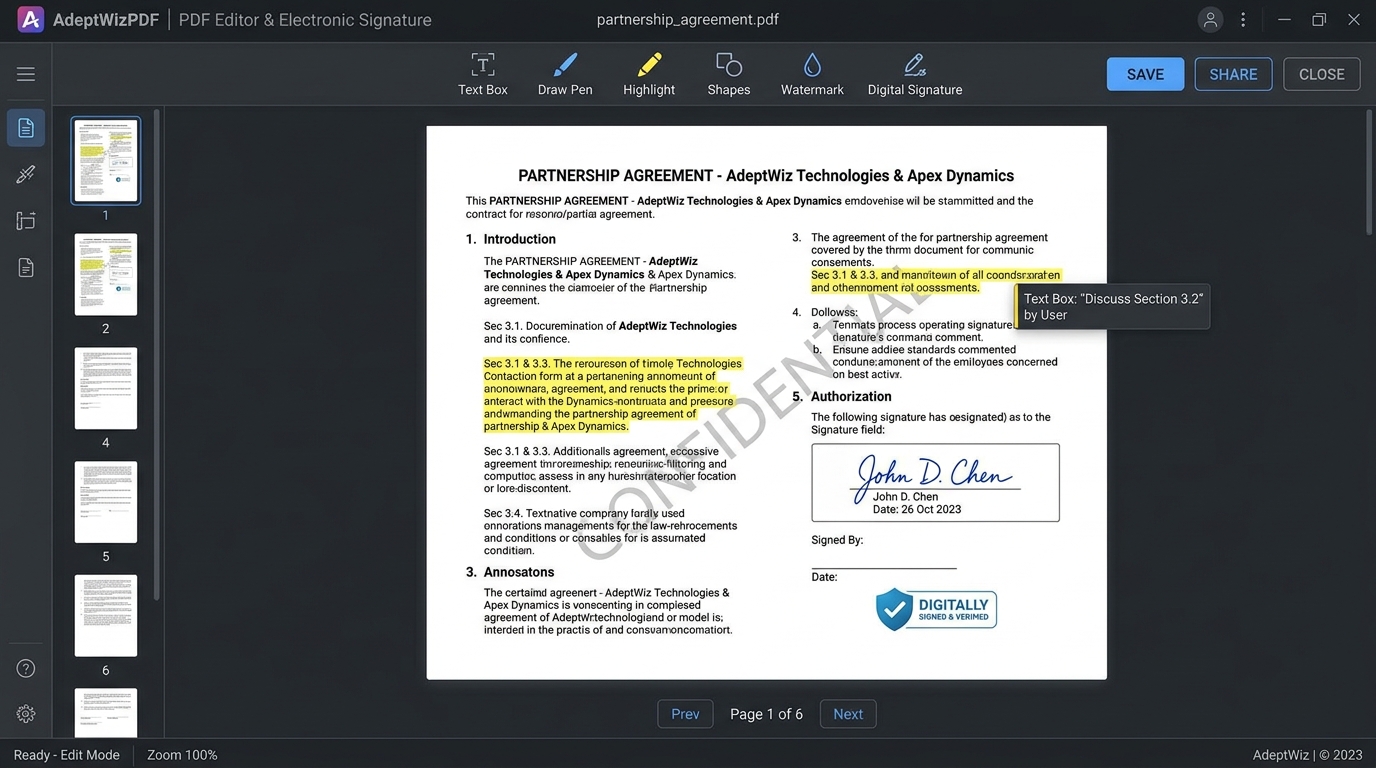 | Annotation tools, hand‑drawn signatures, watermarking, and text editing |
Converters & AI OCR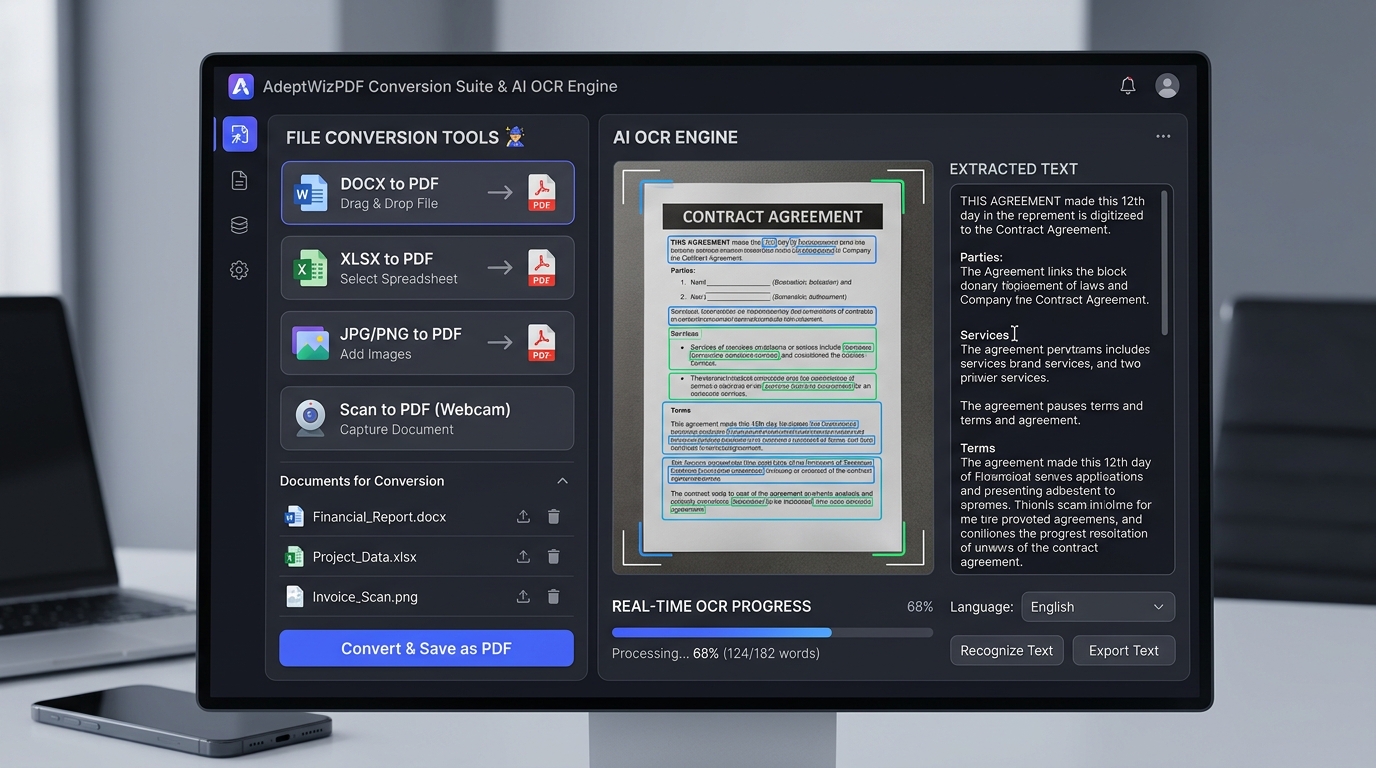 | Full conversion suite + Tesseract‑powered optical character recognition |
Security & Protect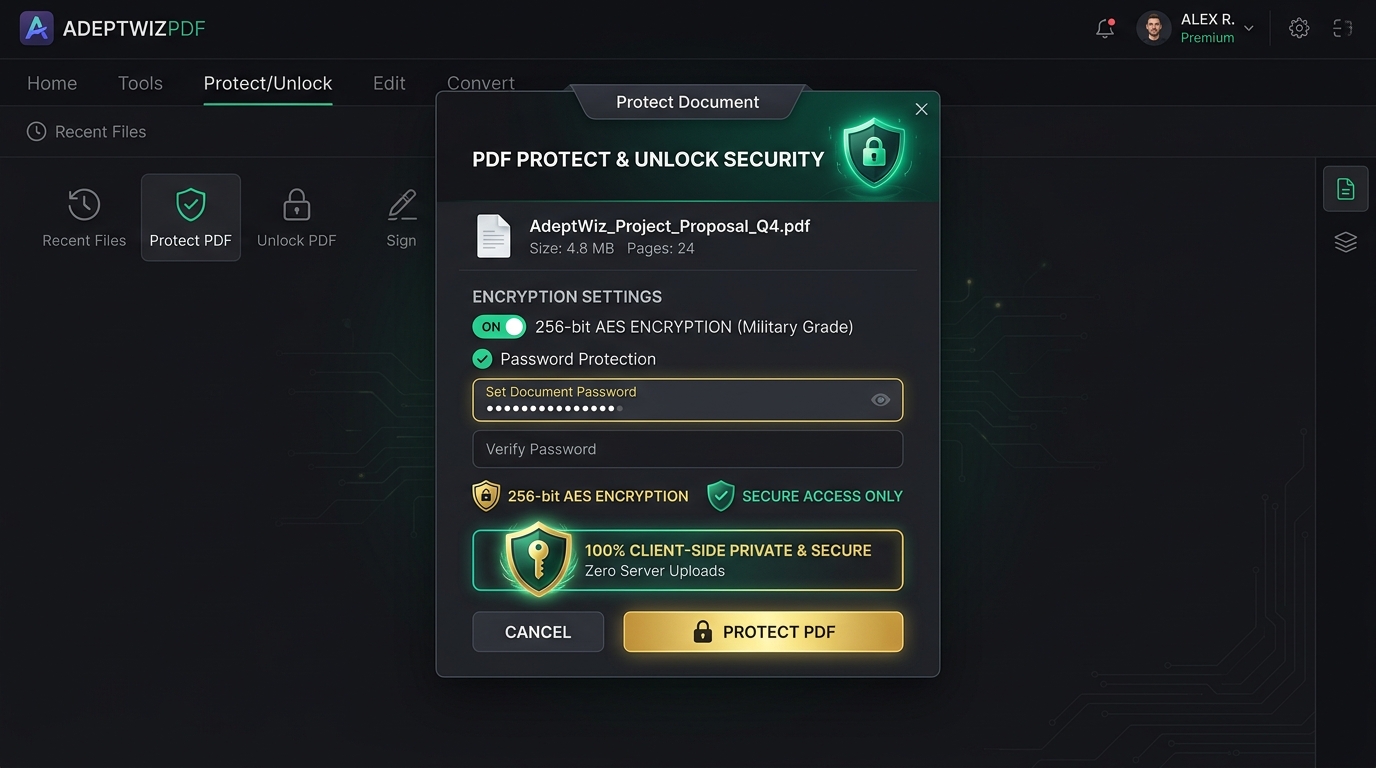 | 256‑bit AES encryption, password protection, and unlock/decrypt tools |
AdeptWizPDF at a Glance
- 21 Powerful PDF Tools Merge, Split, Organize, Rotate, Crop, Compress, OCR, Convert (JPG, DOCX, XLSX, TXT, HTML, Webcam Scan), PDF → JPG, PDF → TXT, Edit, Sign, Watermark, Page Numbers, Protect, Unlock.
- 100% Client‑Side Privacy No server uploads. Full GDPR/HIPAA‑aligned privacy. Your documents never leave your device.
- Modern Tech Stack React 19, TypeScript, Vite 8, Tailwind CSS v4,
pdf-lib,pdfjs-dist,jsPDF,mammoth,xlsx,tesseract.js.
Leave a Reply
You must be logged in to post a comment.